Kategori: Pemrograman

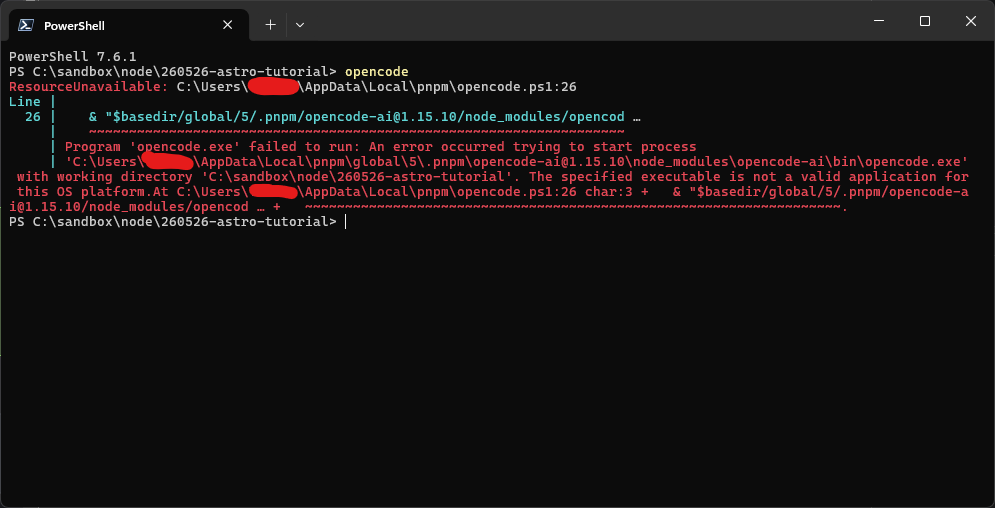
  • Program ‘opencode.exe’ failed to run: An error occurred trying to start process

    Solution:

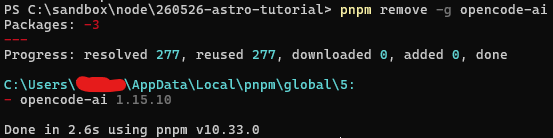
    1. Uninstall OpenCode

    I use pnpm, so my command is:

    pnpm remove -g opencode-ai
    2. Install OpenCode

    pnpm install -g opencode-ai
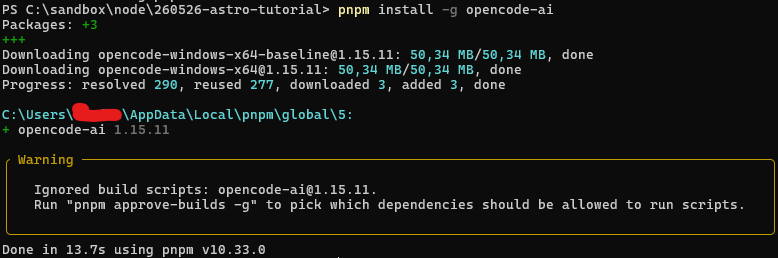
    3. Run “pnpm approve-builds -g” right after installing OpenCode

    pnpm approve-builds -g

    Then select the opencode-ai package and type y to approve

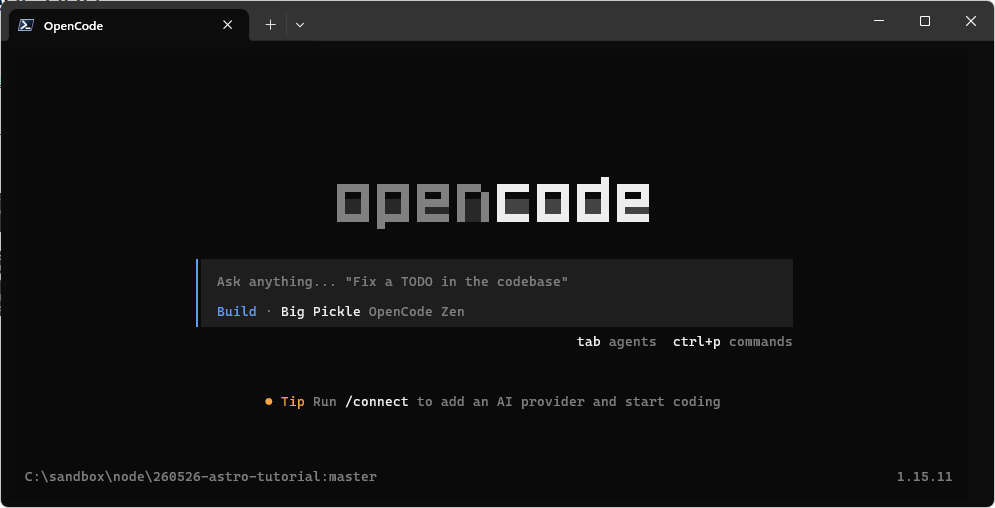
    4. Use OpenCode as usual
    source

  • Cara menerapkan dark mode Shadcn UI pada TanStack Start

    Pada dokumentasi Shadcn UI belum terdapat panduan penerapan dark mode untuk aplikasi berbasis TanStack Start.

    Pada skenario ini, next-themes dapat digunakan.

    Setelah menyiapkan aplikasi dan menginstal next-themes, pada _root.tsx, gunakan <ThemeProvider> untuk mengapit isi dari body tag.

    // __root.tsx
    ...
    function RootDocument({ children }: { children: React.ReactNode }) {
      return (
        <html lang="en" suppressHydrationWarning>
          <head>
            <HeadContent />
          </head>
          <body>
            <ThemeProvider
              attribute='class'
              defaultTheme='system'
              enableSystem
              disableTransitionOnChange
            >
              <Header />
              {children}
            </ThemeProvider>
    ...
